












Demo 01 : By Default (Heading) Example
Showcase the standard heading style as it appears by default.
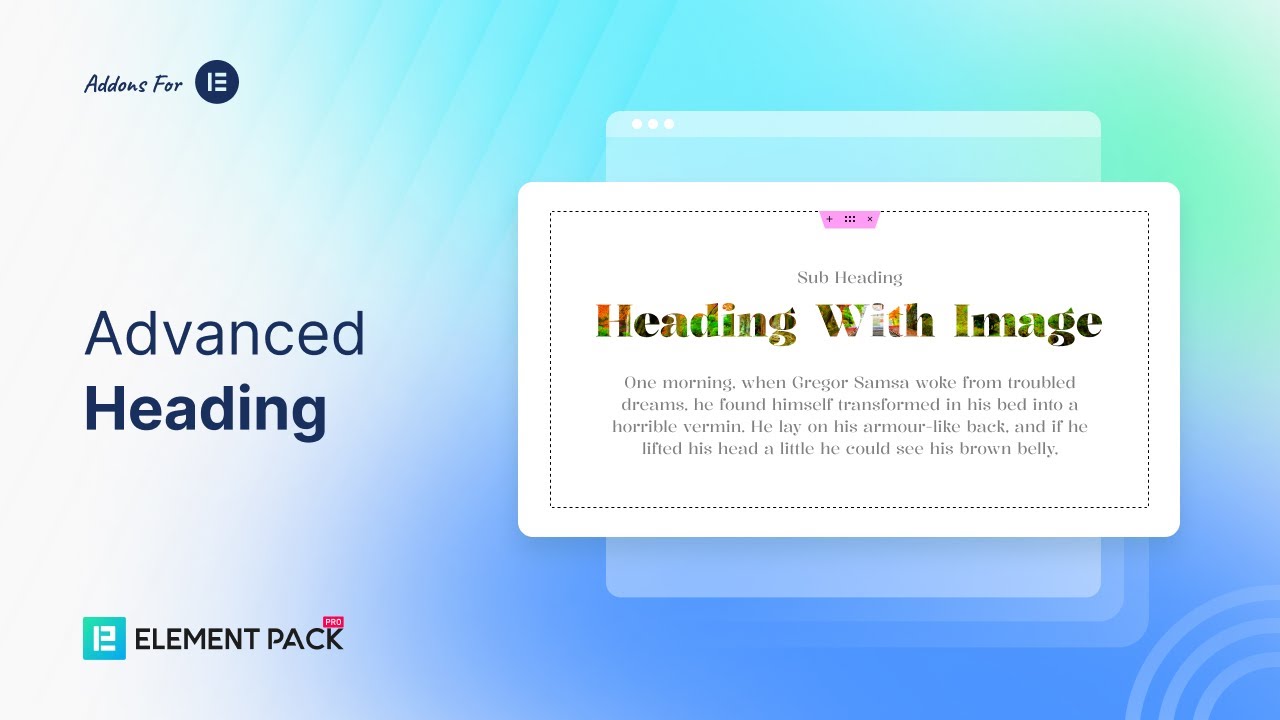
Demo 02 : Heading with Image
Enhance your heading by adding an image for a more engaging design.
Heading With Image



Demo 03 : (Heading Gradient Example)
Style your heading with gradient colors for a modern, eye-catching look.
Turn Visitors into Customers
Ultimate Settings
A wonderful serenity has taken possession of my entire soul, like these sweet mornings.
Special Security
A wonderful serenity has taken possession of my entire soul, like these sweet mornings.
Responsive Theme
A wonderful serenity has taken possession of my entire soul, like these sweet mornings.
Demo 04 : (Sub Heading Advanced Style)
Customize subheadings with advanced styling options for a polished design.
Heading Style Line Left
Heading Style Line Center
Heading Style Line Right
Demo 05 : Rotation Example
Show headings with rotation effects for a dynamic visual style.
Left Align Heading
Position X-20, Position Y 0
Position X-50, Position Y-30
Demo 06 : Advanced Heading Separate
Display headings with separate styling for main and highlighted text.
Demo 07: Split Text Example
Showcase headings by splitting text into styled parts for emphasis.
Creative Split Text Design
One morning, when Gregor Samsa woke from troubled dreams, he found himself transformed in his bed into a horrible vermin. He lay on his armour-like back, and if he lifted his head a little he could see his brown belly

Demo 08 : Advanced Heading Stroke
Add outline strokes to headings for a bold and stylish text effect.
Smarter Solutions, Better Results
Demo 09: Stroke with Gradient
Apply gradient colors to heading strokes for a modern, eye-catching effect.